
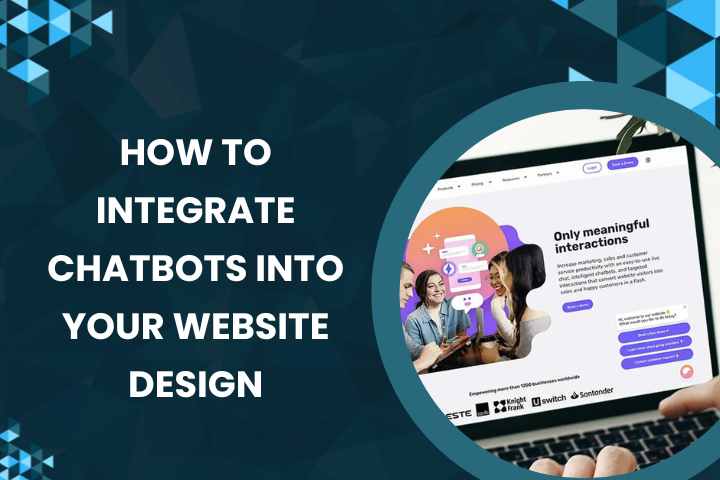
In today’s digital world, website visitors expect quick responses, seamless navigation, and personalized support. This is where chatbots have become an essential part of modern website design. A well-integrated chatbot not only enhances user experience but also improves lead generation, customer support, and overall engagement. Whether you run an e-commerce website, a service-based platform, or a corporate site, integrating a chatbot can significantly boost your online performance.
Below, we explore how to effectively integrate chatbots into your website design without disrupting the natural user flow.
1. Choose the Right Type of Chatbot for Your Business Needs
Before integrating a chatbot, understand what kind of interaction your website requires. Different businesses have different goals:
AI-Powered Chatbots
These chatbots use artificial intelligence and natural language processing (NLP) to understand user queries and provide relevant answers. They are ideal for websites that receive a wide variety of questions and require conversational engagement.
Rule-Based Chatbots
These follow predefined scripts and decision trees. They work perfectly for businesses with simple support needs, such as booking appointments or answering FAQs.
Hybrid Chatbots
A combination of AI and rule-based systems, hybrid chatbots offer flexibility and accuracy. They can handle routine tasks while escalating complex queries to human agents.
Choosing the right model ensures your chatbot aligns with your goals—whether it’s customer support, sales, or lead capturing.
2. Place Your Chatbot Strategically Within the Website Design
A chatbot may be powerful, but if it’s not placed properly, users may ignore it. The goal is to make it accessible without interrupting the user experience.
Use a Fixed Bottom-Right Widget
Most visitors expect chat support in the bottom-right corner of a website design. This placement is familiar, non-intrusive, and keeps the interface clean.
Integrate Chatbots into Key Pages
Adding a chatbot to pages like Pricing, Product Pages, or Contact Page helps users get support instantly, reducing bounce rates and boosting conversions.
Enable Smart Triggering
Instead of automatically popping up, configure your chatbot to appear based on user actions—like spending a certain time on the page or scrolling to a specific section. This improves engagement and avoids overwhelming first-Time visitors.
Ensure Mobile Responsiveness
With mobile traffic increasing daily, your chatbot must adapt to smaller screens without blocking essential content.
3. Design a User-Friendly Chat Experience
Once you integrate a chatbot into your website design, focus on crafting a smooth and helpful chat experience.
Use Clear and Friendly Messaging
The chatbot’s tone should be conversational and aligned with your brand personality. Start with a simple, inviting welcome message.
Provide Quick Reply Options
Buttons and predefined responses help users navigate faster. This is especially helpful for mobile users who prefer tapping over typing.
Add Visual Elements
Incorporate images, emojis, or icons where appropriate to make conversations feel lively and engaging—but avoid clutter.
Allow Human Handoff
Despite advancements in AI, users may still need help from a real person. Always provide an option to escalate the conversation to a human agent.
Analyze Chatbot Data
Use built-in analytics to understand user behavior, identify popular queries, and improve your chatbot’s performance over time.
Integrating a chatbot into your website design enhances communication, streamlines customer support, and creates a modern, interactive user experience. When implemented strategically, it becomes a powerful tool that works 24/7 to support your business growth.
SEO To Webdesign provides the best services for seamless chatbot integration and complete website design solutions.